WHAT'S INSIDE
Six pieces, one map. Everything your crew actually needs, nothing you don't.
Create or join a party with an invite code — up to 8 people. Switch between multiple parties instantly. Nothing ever leaks between them: different pins, different chat, different everything.
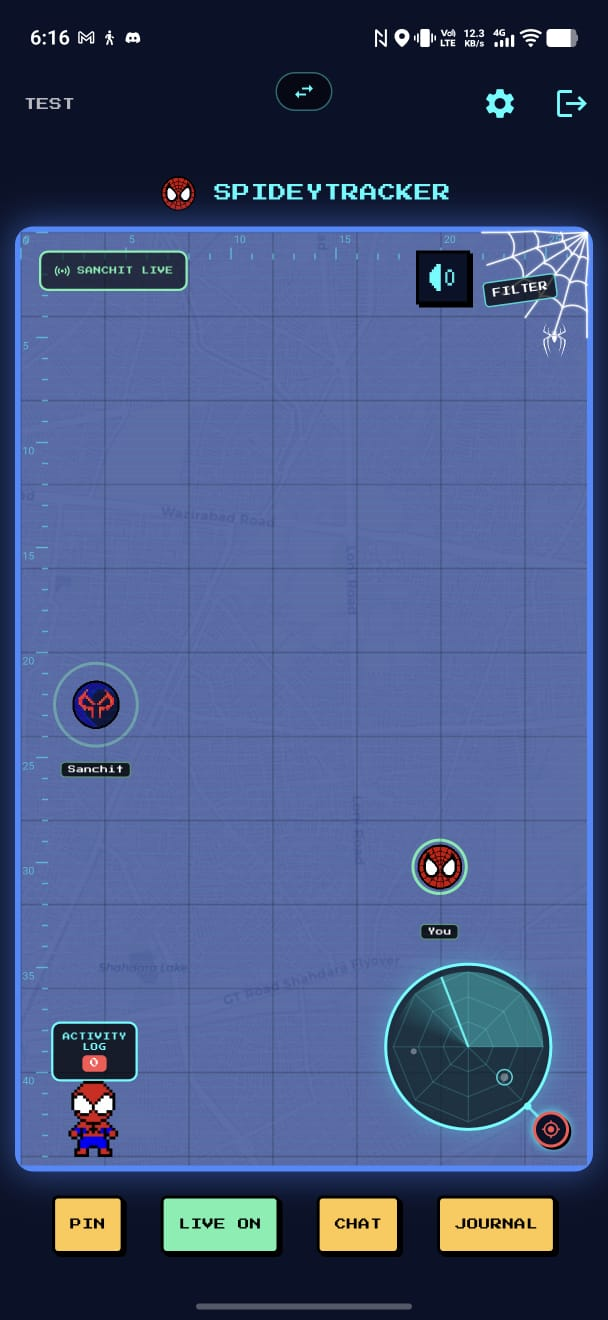
See exactly where your crew is right now on a pixel-art scanner map, with an animated sweeping radar and a distinct pulsing marker for anyone sharing live — never confused with a saved pin.
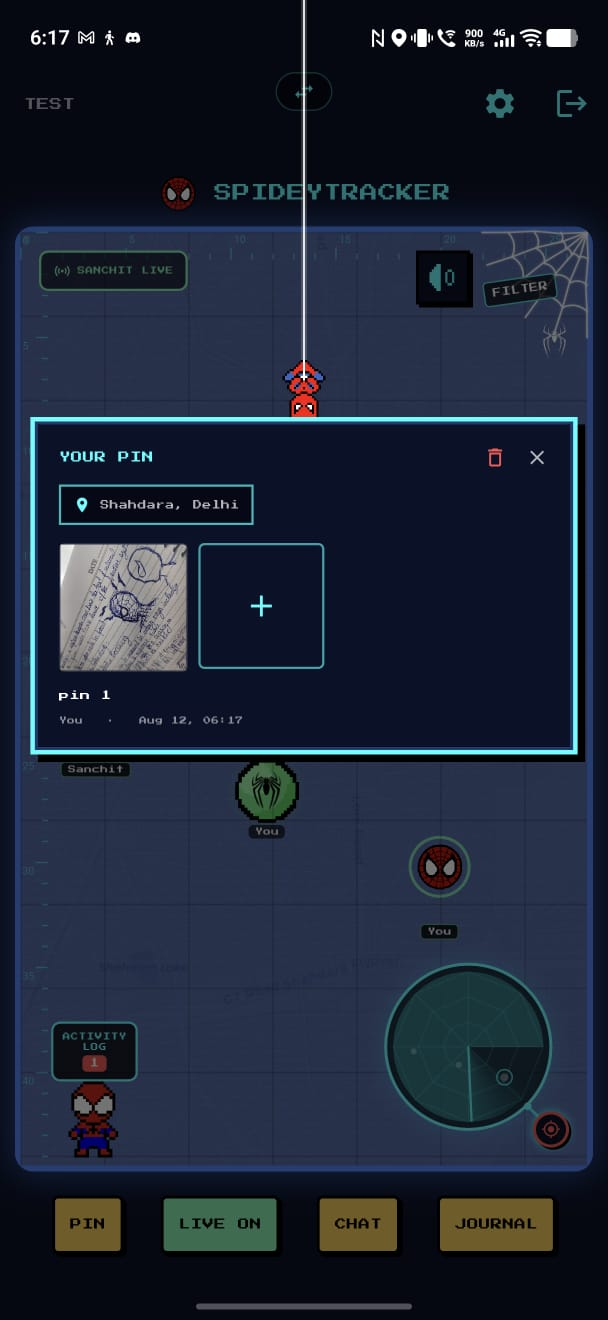
Drop a pin, caption it, attach up to 5 photos. Tap it and watch a pixel Spider-Man descend on a web to hand you a comic-panel photo frame — not just another boring dialog box.
Every memory your party has pinned, in one scrollable timeline — grouped by date, newest first, so you can actually find that one photo again.
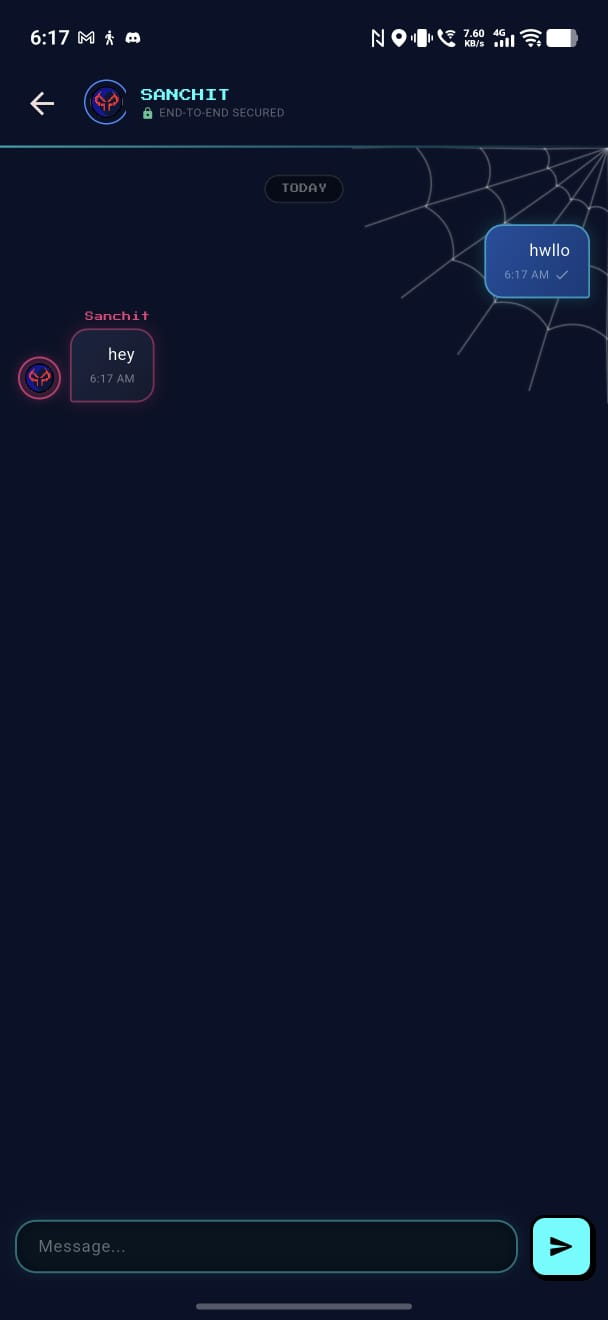
Group chat, end-to-end encrypted per party. Messages live only on your own device once delivered — nothing sits around on a server waiting to be read by anyone but you.
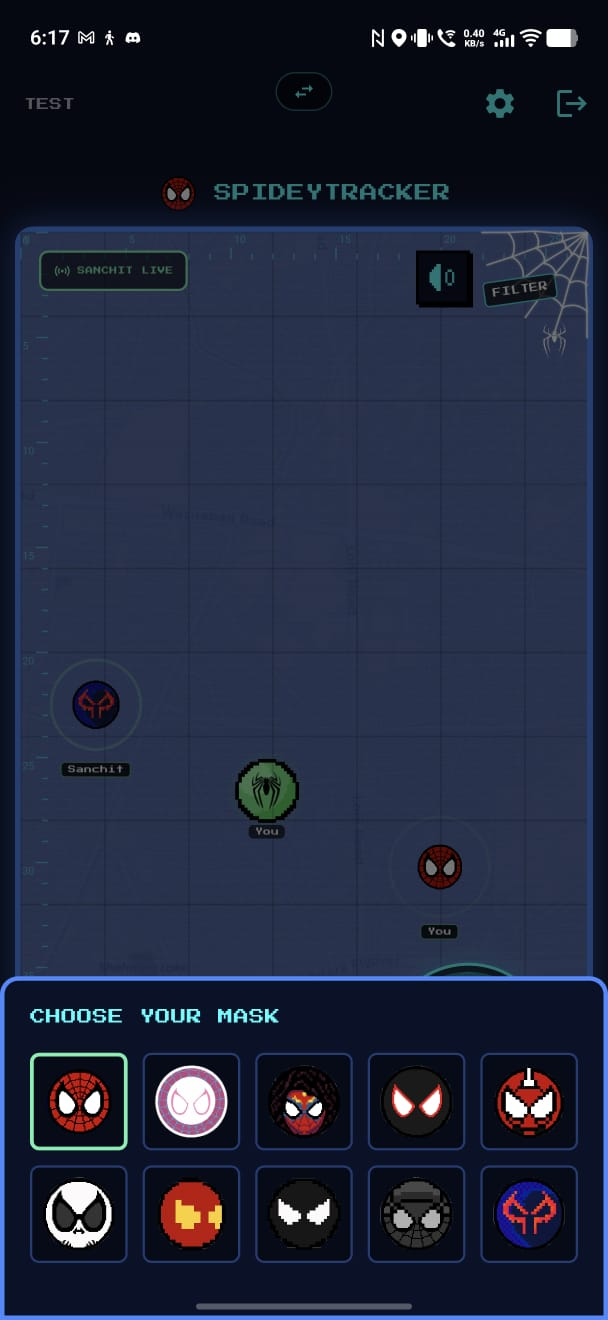
Pick your own live-location mask and your own memory-pin spider + color. Small pixel-font name tags keep everyone distinct even if two people pick the same look.
WHAT IT LOOKS LIKE
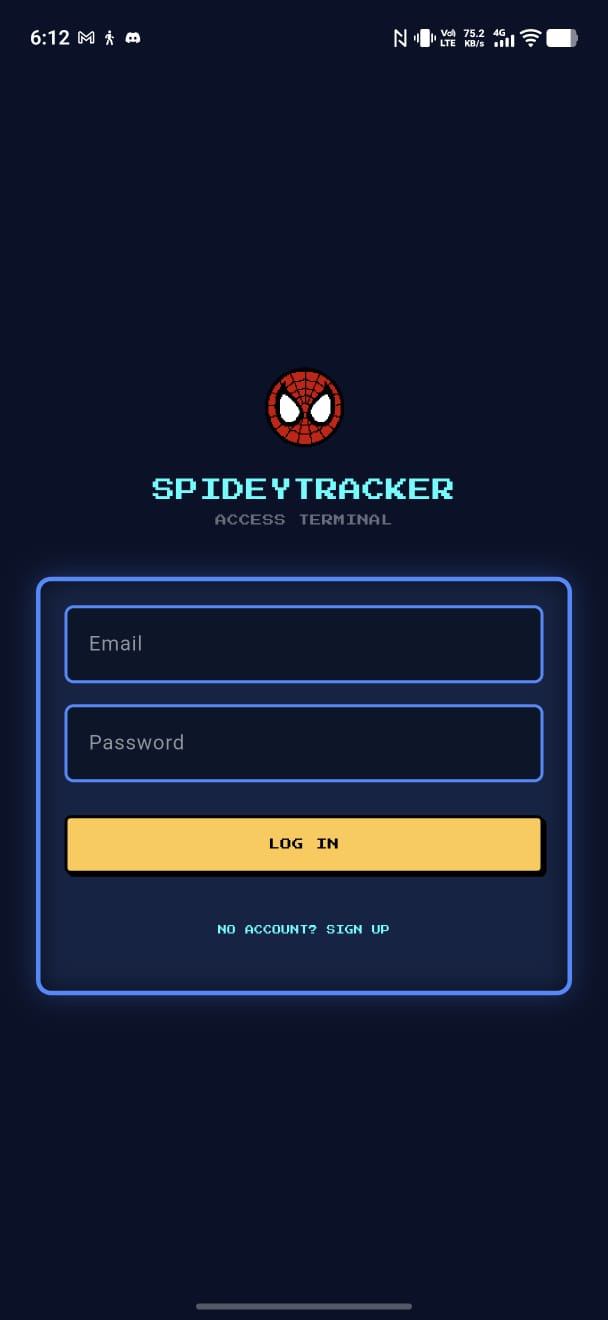
Real screens. Nothing staged.
GET SPIDEYTRACKER
Free to download. No payment, no email, no account — just grab the file for your phone below.
No subscription, no ads, no "premium tier." If SpideyTracker's useful to you, there's a completely optional donate section further down — that's it.
Direct APK install. Works permanently — no re-signing, no expiry, install once and forget it.
- Tap the download button above —
SpideyTracker.apklands in your Downloads folder. - Open your phone's Settings → Security (wording varies by phone) and turn on "Install unknown apps" for whichever app you used to download the file (Chrome, Files, etc.)
- Open the downloaded APK file and tap Install.
- That's it — open SpideyTracker from your app drawer like any other app.
Installed via an IPA file using a free tool called Sideloadly — no Mac, no App Store, no $99/year Apple developer fee.
Before you start, install these on your Windows PC (both free, both official Microsoft):
- → .NET Desktop Runtime (needed for Sideloadly to run at all)
- → Visual C++ Redistributable (get the x64 version — needed for device communication)
- → iTunes for Windows (or "Apple Devices" from the Microsoft Store) — lets your PC talk to an iPhone over USB
- Tap the download button above to get
SpideyTracker.ipa. - Download and install Sideloadly for Windows.
- Plug your iPhone into your PC with a USB cable, unlock it, and tap "Trust This Computer" when it asks.
- Open Sideloadly. It should show your iPhone's name at the top automatically.
- Drag the
SpideyTracker.ipafile into Sideloadly's window. - Type in your own Apple ID email in the box below it, then click Start. It'll ask for your Apple ID password — this is sent directly to Apple to sign the app, nothing is stored.
- On your iPhone: Settings → General → VPN & Device Management → tap the profile that appears → Trust.
- Open SpideyTracker from your home screen — you're in.
One thing to know going in: Apple requires free-signed apps like this to be "refreshed" roughly every 7 days, or iOS will stop opening it. As long as your iPhone connects to the same WiFi as your PC about once a week, this takes a few seconds and you'll barely notice it.
DONATE (COMPLETELY OPTIONAL)
SpideyTracker is free, full stop — downloading it never requires this. This is just here for anyone who wants to chip in toward hosting costs. Nothing unlocks, nothing changes either way.

Scan with any UPI app — Google Pay, PhonePe, Paytm, etc. — or send directly to this ID:
sharma-aakarshan@ptyes
SUPPORT
Something not working? Install stuck? Can't get the app to open? Just email — a real person (not a bot) reads every message here.
Tip: if something's not working, include what device you're on and a screenshot of the error — it gets you a fix much faster than "it doesn't work."